How to mount a TV on a concrete wall without hitting cables, pipes or rebar
Concrete holds a TV bracket well. The two questions are what kind of concrete wall you have, and what is buried in it where you want the holes.
Before you drill holes for a TV bracket
Stop and call an electrician if
- you want a new socket behind the TV, or a chase for the cables
- you are not sure about any of the mains work
The short version of this page. The details and sources follow below.
From How to mount a TV on a concrete wall without hitting cables, pipes or rebar: drillclear.com/guides/mount-tv-on-concrete-wall, where every step has its sources.
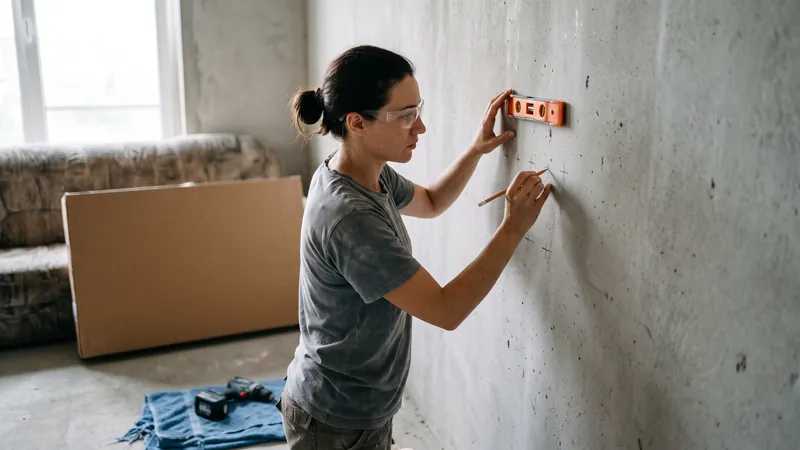
Can you mount a TV on a concrete or cement wall?
Yes, and bracket makers design for it. Sanus lists wood stud, solid concrete and concrete block walls for its MLL11 mount, and warns: "DO NOT install into drywall alone"1. The wall must hold five times the combined weight of the TV and mount1.
First, which concrete wall do you have?
Three kinds of wall get called concrete, and each needs a different fixing.
| Wall | What it is |
|---|---|
| Solid concrete | One solid mass, not blocks. Hard grey dust when drilled. Steel bars and cast-in cables or conduits may sit inside. |
| Concrete block | Blocks laid in mortar, often with hollow cores. |
| Plasterboard on dabs | Board stuck to concrete or block with blobs of adhesive, leaving a gap. A knock sounds hollow, with a solid spot here and there. |
Stud walls and masonry: see drywall, brick and block.
How to mount a TV on solid concrete
Fix the wall plate straight onto the concrete, with the anchors your bracket maker names. Sanus's MLL11 asks for solid concrete at least 8 inches (203 mm) thick and pilot holes 3 inches (75 mm) deep with a 10 mm (3/8 in) masonry bit. The anchors must sit flush with the surface, and the lag bolts must not be over-tightened1. Peerless also asks for 8 inches or more, and a compressive strength of at least 2,000 psi2.
A 75 mm hole can reach the steel. If the bit stops dead or the dust shows metal filings, stop and read hitting rebar while drilling. Moving the bracket a few centimetres sideways is usually easier than drilling through. Bar depths are in how deep is rebar.
How to mount a TV on a concrete block wall
Drill into the solid part of a block, away from the mortar joints. Sanus asks for blocks of at least 8 x 8 x 16 inches and says: "Never drill into the mortar between blocks"1. Peerless asks for ASTM C-90 blocks 8 inches wide or more, with each fixing generally at least 1 inch (25 mm) from the side of the block. It suggests a standard electric drill on a slow setting rather than a hammer drill, so the back of the hole does not break out when the bit enters a void or cavity2.
A blown-out hole holds an anchor poorly. If your bracket's holes land on a joint or a core, use a bracket with a wider plate or a different position, not a bigger plug.
How to mount a TV on a concrete wall with drywall on it
Do not set ordinary concrete expansion anchors through the board. Peerless says: "Never attach concrete expansion anchors to concrete or cinder block covered with plaster, drywall or other finishing material"2. The board crushes and the bracket works loose. Two ways round it:
- Cut the board away where the wall plate sits, and fix the plate straight onto the concrete behind, as Sanus asks1. Use spacers only if your bracket maker allows them.
- Use a gap-bridging fixing. fischer's DDF bridges the gap between the plasterboard and the load-bearing wall, and fischer names swivelling TV brackets as a use. It allows at most 45 mm from the face of the board to the wall behind, and needs a 10 mm hole at least 110 mm deep3, so most of that hole still goes into the wall and whatever is buried in it. Check that your bracket maker accepts such a fixing.
Mount a TV on a concrete wall and hide the wires
On solid concrete, use a cable cover on the surface, a channel cut into the wall, or a new socket behind the TV. A self-adhesive cover, painted to match, needs no new holes. In-wall power kits need a cavity: Sanus's MFIWP1 lists drywall on studs with at least 3 inches of space in the wall, and says not to install the power supply cord within the wall cavity4.
A channel (a chase) brings its own rules. In the UK, a cable buried less than 50 mm deep without protection must run in a prescribed zone: within 150 mm of the top of the wall or partition, within 150 mm of a corner, or horizontally or vertically in line with a socket, switch or other accessory on the wall. Such cables also need a 30 mA RCD5. A diagonal chase from the socket to the TV is outside the zones; the bands straight above and below the socket are zones where its own cable may run.
A new socket is mains work. Electrical Safety First: "If you're not sure, don't DIY"6. In a flat, chasing a concrete wall may also need the building's permission: see drilling in a condo or apartment.
How to check for pipes and wires before drilling
Map what you can see, ask for drawings, switch off, and use a detector, treating every cable as live.
Besides sockets and switches, mark the aerial point, a radiator and a thermostat. On a thin wall, the zone of a socket on the far side can reach through to your side5. The HSE advises looking on both sides of the wall and asking to see plans of the electrical installation; in a newer flat, the building manager may have them. It also warns that "some cable detectors won't find a wire carrying a small current"7. Electrical Safety First says to switch off at the fuseboard and, where possible, use only battery-powered tools6. What each kind of detector reaches, by its maker's own figures, is in stud finders on concrete; where cables usually run is in cables and pipes in walls.
Do you need a concrete scanner to hang one TV?
Often not, if you keep the bracket away from the cable zones and check with a detector. Even then, a silent detector does not prove the wall is clear. For a one-off look, hiring or renting may cost less than buying: see rent, hire or buy.
A scanner earns its place on solid concrete, when you will drill more holes later, or when the wall carries cast-in services you cannot see. Eagle XR pairs with your phone and shows rebar, cables, plastic pipes and air voids in color at their depth, with a stated depth in concrete of 40 cm8. Its App Store listing names concrete, drywall and masonry (brick and block) as materials9; its product page says Eagle Intelligence is trained on concrete and learning more materials8. It scans one line at a time, in one direction. Screening Eagle calls it "a first look for everyday work", not a GPR8. See the anchor holes and socket situations in 3D.
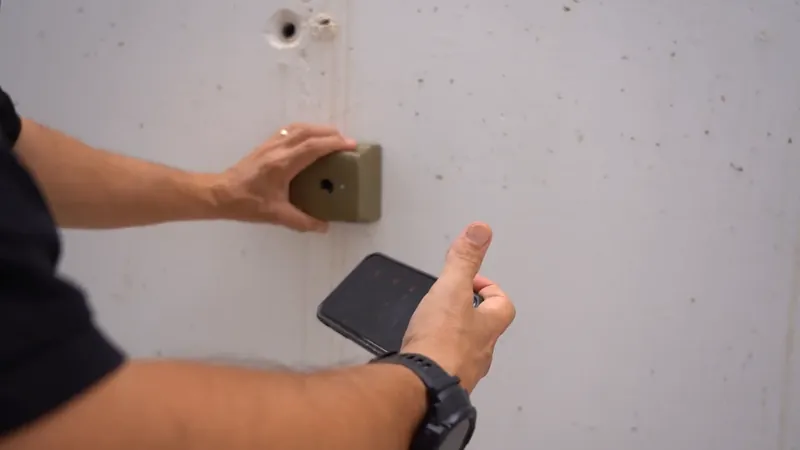
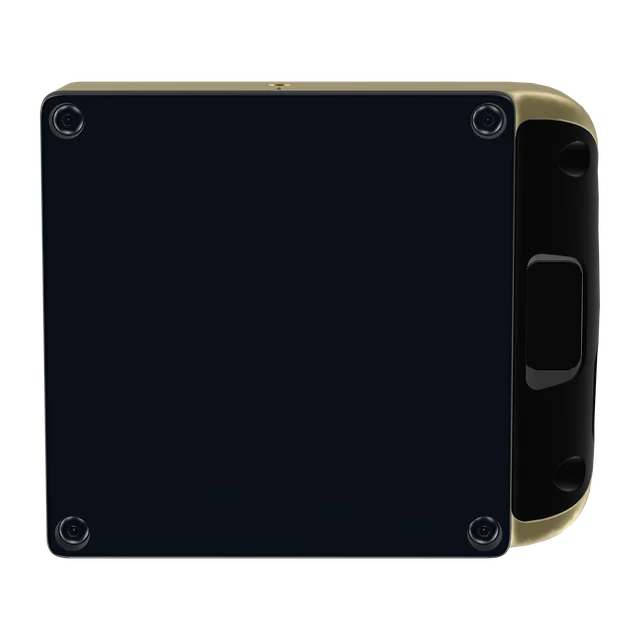
This side goes flat on the surface.
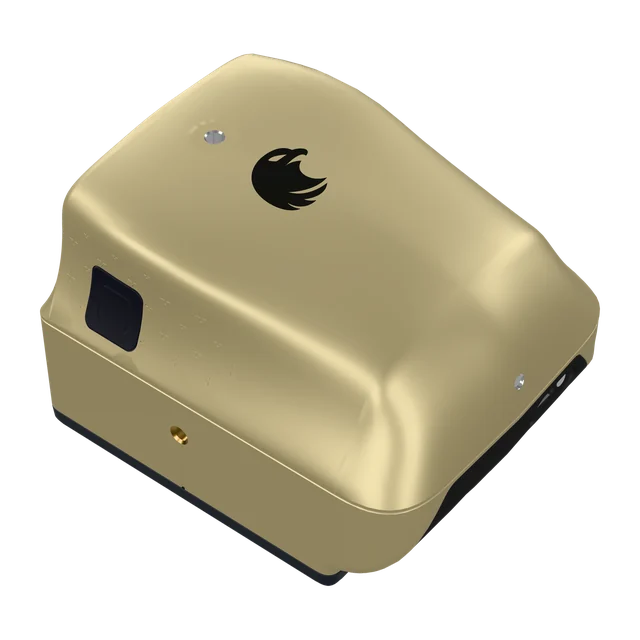
Want to see inside before the next hole?
Eagle XR is a pocket concrete scanner that pairs with your phone and shows rebar, cables, plastic pipes and air voids at their depth. Stated depth in concrete: up to 40 cm. CHF 3,950 excluding VAT, import taxes and delivery.
Buy in Solar GoldPartner link: we may earn a commission. You pay Screening Eagle's normal price.
- Sold and shipped by Screening Eagle
- Same price in all four finishes
- Card, Apple Pay or Google Pay
- Express shipping from Switzerland. US orders ship from Pennsylvania
Sources
- Sanus, MLL11 TV wall mount, instruction manual (IM 240624), read 17 November 2026, shop.sanus.com
- Peerless-AV, EWL-OH55F wall mount for Samsung OH55F, installation manual, read 17 November 2026, peerless-av.com
- fischer international, Dot and Dab fixing DDF, product page and technical data, read 17 November 2026, fischer-international.com
- Sanus, MFIWP1 in-wall power and cable management kit, installation instructions (IM 240322), read 17 November 2026, www.sanus.com
- NICEIC in Professional Electrician, Why contractors need to apply due diligence when installing cables embedded in thin walls or partitions, 14 August 2023, read 17 November 2026, professional-electrician.com
- Electrical Safety First, DIY-ers, read 17 November 2026, www.electricalsafetyfirst.org.uk
- UK Health and Safety Executive, Work near electricity, read 17 November 2026, www.hse.gov.uk
- Screening Eagle, Eagle XR product page and FAQ, read 17 November 2026, xr.screeningeagle.com
- Apple App Store, Eagle XR listing by Screening Eagle Technologies AG, read 17 November 2026, apps.apple.com